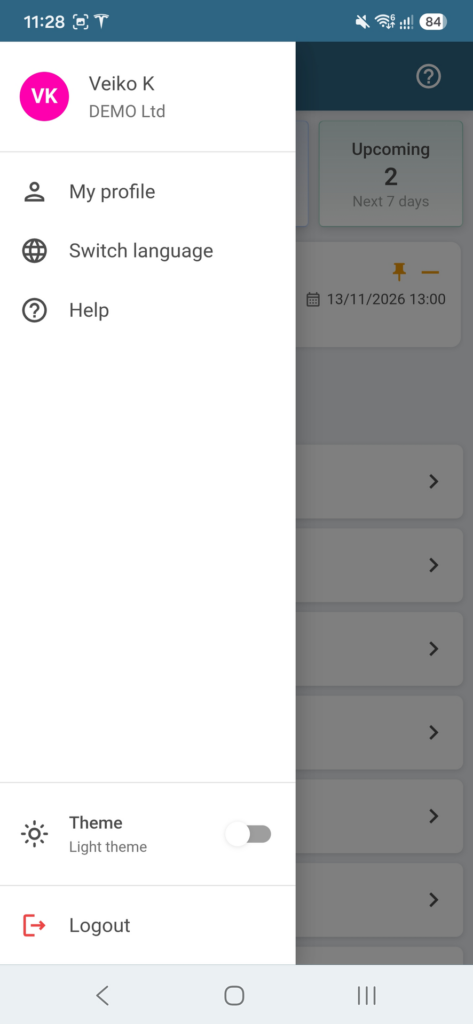
The following options are available in the side menu on the Home screen:
My profile: Opens your user profile, where you can:
- Edit your name, email address, and phone number.
- Change your username and password.
- Add, edit, or remove your signature, which is added to the work order when it is confirmed.
- Select the default app for opening location (GPS) coordinates.
- Configure device search parameters (which fields are included in the search).
- Restore the app’s default settings.
Switch language: Allows you to select the user interface language.
Help: Opens the Alldevice Wiki page.
Theme: Allows you to select a light or dark theme for the user interface.
Log out: Logs the user out of their Alldevice account.