
Users (general) | Data | Companies | Departments | Logi
Departments TAB Allows restricting the user’s access to locations within the device tree.
When a user is linked to departments, they will only see the locations associated with the selected departments.
To assign a department, select the checkbox in front of the desired row.
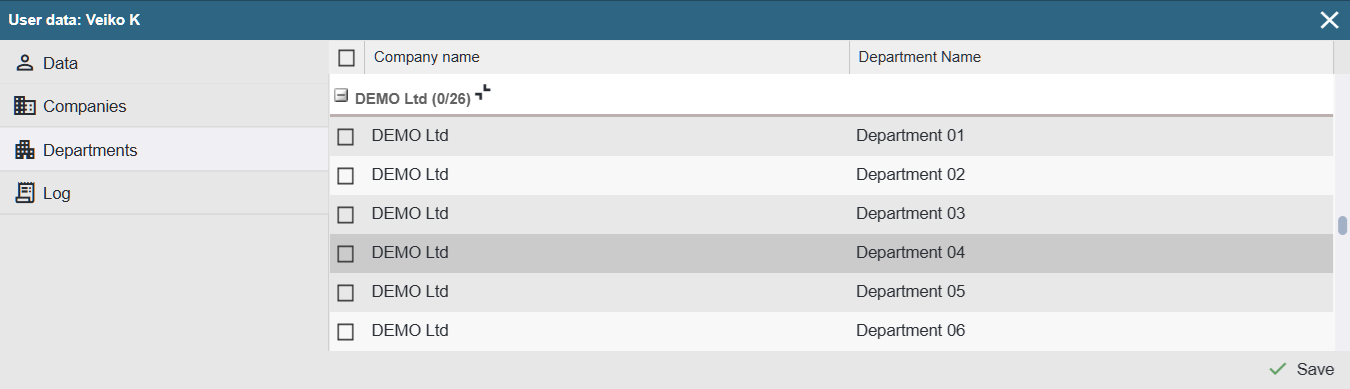
Note: Assigning all departments to a user does not mean they will see all locations in the device tree. To grant access to the entire device tree, no departments should be assigned to the user.
Read more: Departments list, Departments overview