IP management improvement. Ability to add a list of friendly IP addresses that are never blocked, and much more. Read more HERE.
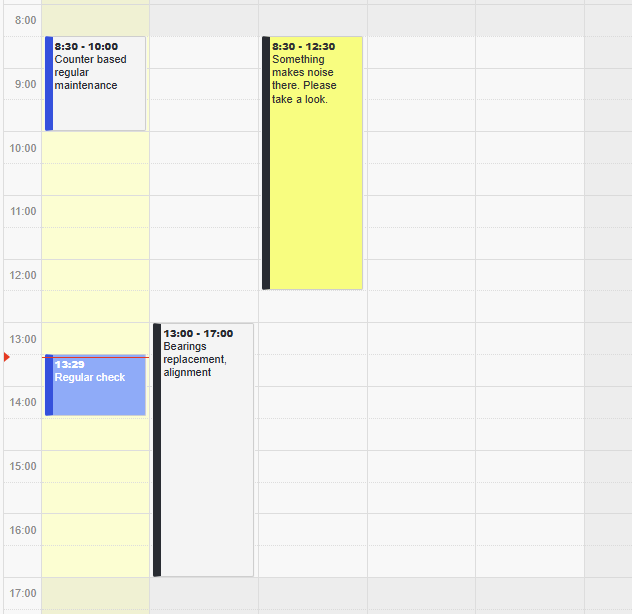
Upgrades to the time-based calendar view (day and week view).
Modified color scheme (the status of the work order is now indicated by the left edge of the square).
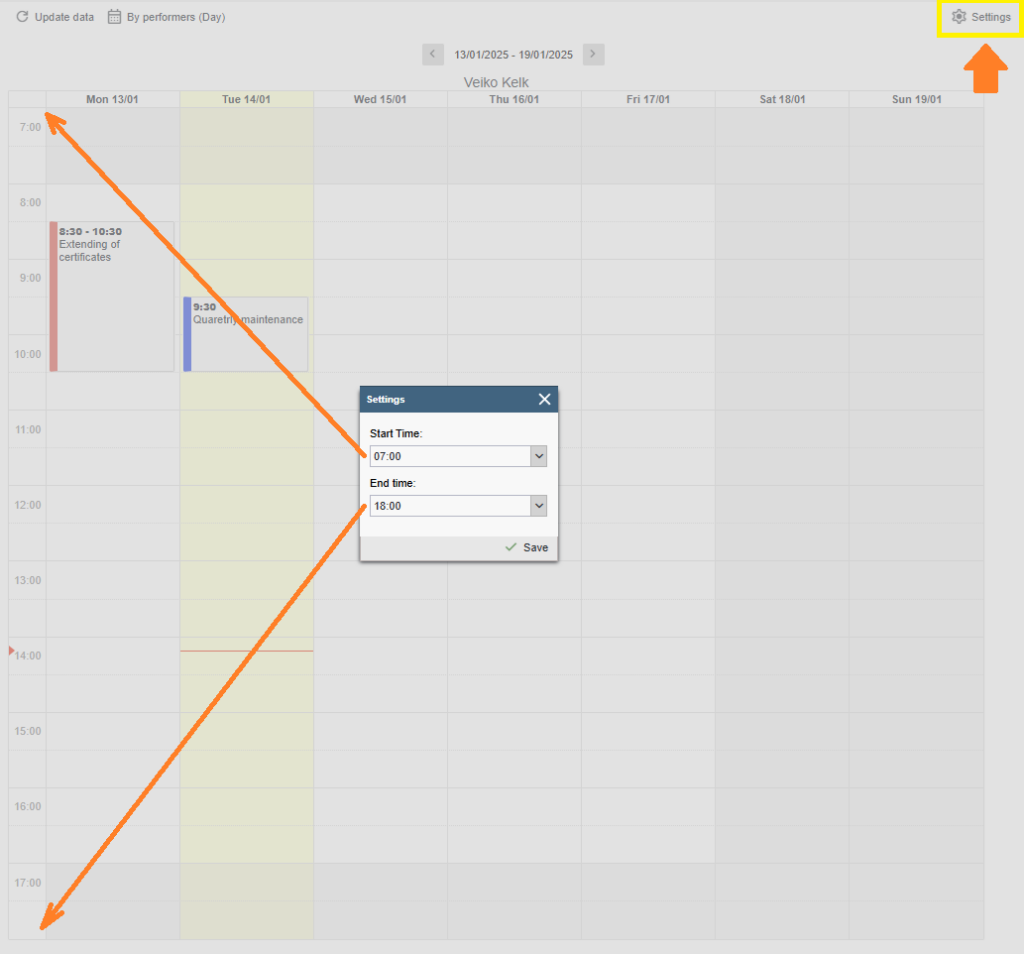
Added the ability to configure the start and end times of the calendar display area.
Added a “Reset table view to default settings” button under the user profile to restore the default layout of table views. Read more HERE.
Added a validation check to prevent duplicates when creating users and performers.
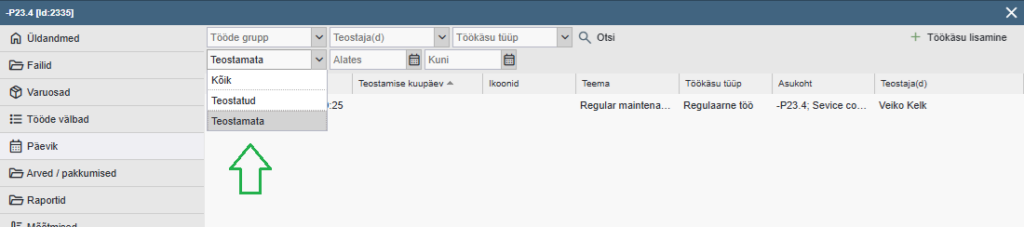
Added a task status filter to the device card log page. Options: All, Completed, Not Completed.
In Tasks and Reports > Tasks tables, the work order status filter has been replaced with a dropdown-style filter. Options: All, Completed, Not Completed.
Removed the option to change device status from the task creation and confirmation windows.
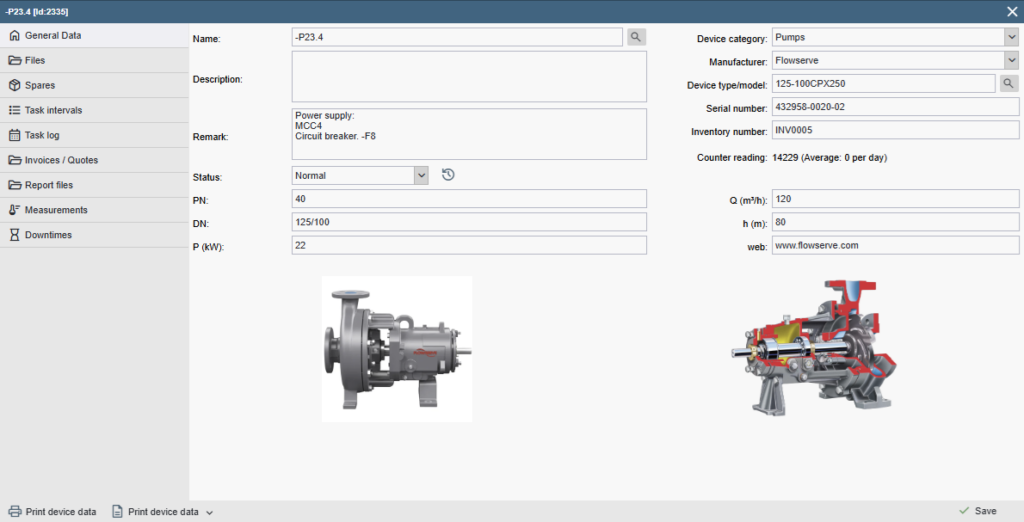
Added the option to display up to two images on the General Info tab of the device card. Images can be selected/assigned from the Files tab by marking them with a star, following the same logic as the spare part card.
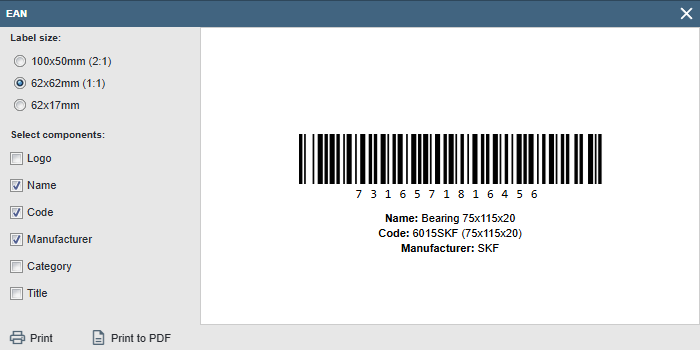
Enhancement to the EAN label printing module – fixed-layout EAN labels have been replaced with a dynamic label generator.
User privileges improvement
Management of external link settings has been separated from the “System Settings management” permission and moved under a dedicated user permission called “Ext url handling”.
All user groups that previously had the “System Settings management” permission active have automatically been granted the “Ext url handling” permission.
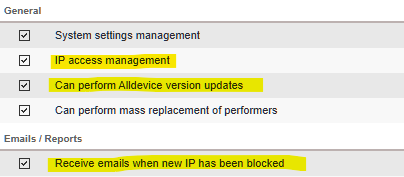
IP access management – enables administration of blocked, friendly, and allowed IP address lists.
Receive emails when new IP has been blocked – an email alert is sent whenever a new IP address is added to the blocked IP list.
Can perform Alldevice version updates – the right to install version updates has been separated from the “System Settings management” permission.
All user groups that previously had “System Settings management” active have automatically been granted the “Permission to Install Version Updates.”
Security updates
Minor improvements and adaptations
Bug Fixes
When a department is removed via the device tree, the right-click context menu disappears. After reloading the tree, everything works correctly again (ACS-159) – Fixed.